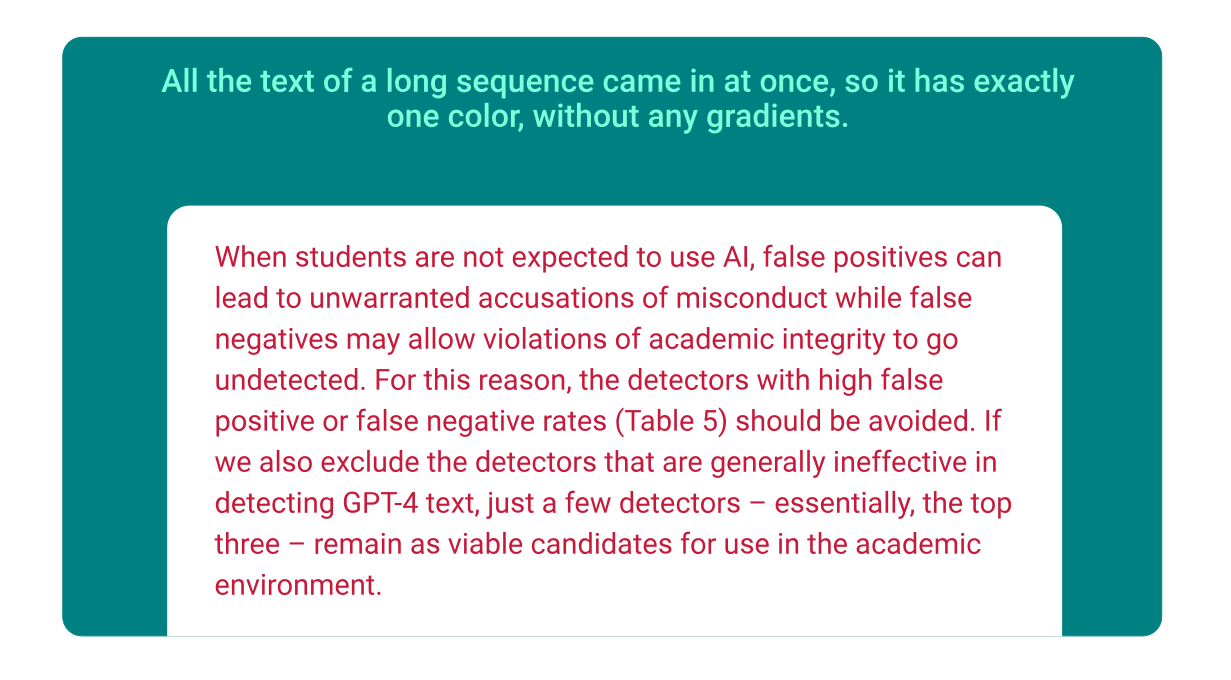
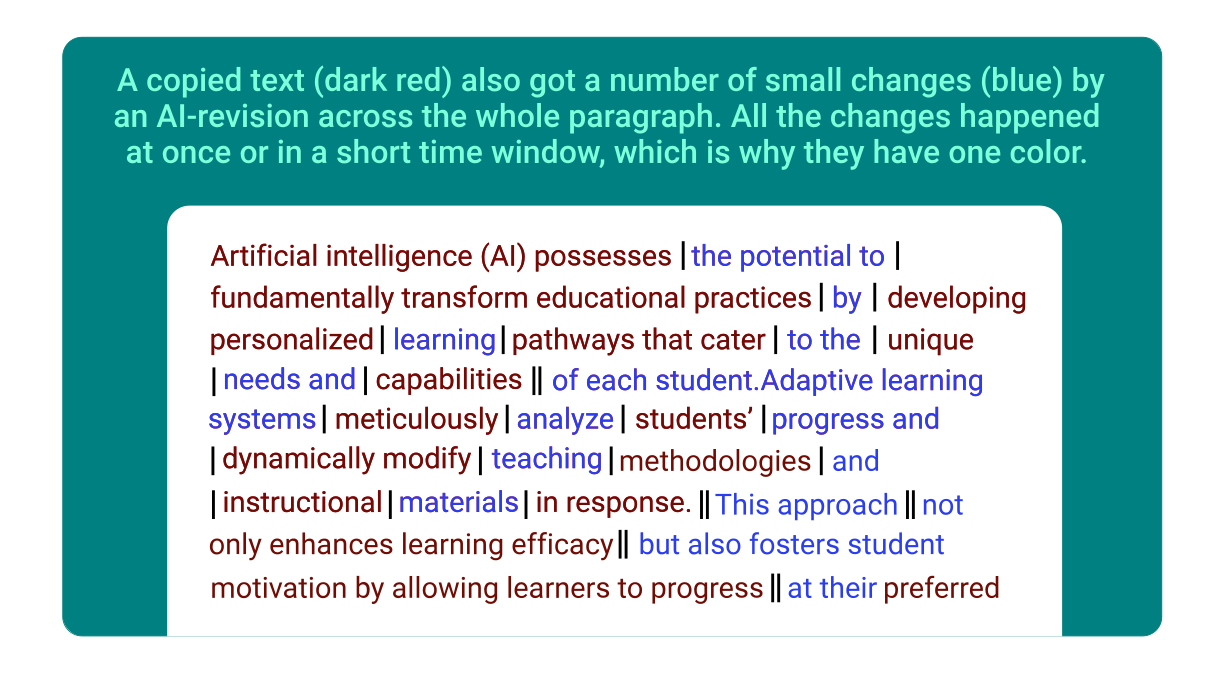
A complete breakdown of the writing process at the paragraph level. Here you can zoom in on specific sections of a document to understand how it was written, revised, or sourced.
Writing Process Analysis
Our advanced technology highlights different text sections based on our writing process analysis. This provides a first visual representation of the document’s evolution.
Human Written
Copy & Paste
Copy - Typed
AI Revised
Paraphrasing
Human Written
Copy & Paste
Copy - Typed
AI Revised
Paraphrasing
Based on the academic discipline digital forensics there are clear indicators for a human-written text versus a copied text (typed or pasted), like writing duration, rhythm, number and kind of revisions, etc.
Unusual Text & Classification
The numbers and bar code at the top indicate where and how much of the document content is flagged as “unusual” and what part is “classified“.
Unusual: This is the text percentage of the whole document, which does not appear to be naturally created by a human.
Unclassified: The percentage of the whole document rendered as ‘unusual’ by the algorithm that also lacks any sort of documentation.
By assessing the size of these percentage and identifying where flagged content appears, users can quickly determine whether further investigation is necessary.
Severity & Findings
The Findings Panel presents a ranked list of flagged text sections. You can sort them them, based on your preference (e.g. by severity or chronology).
This helps reviewers to focus on the most critical sections, allowing a quick assessment of the findings regarding potential misconduct.
Writing Session
Writing data is grouped into sessions, which begin when you start typing in your text processor or within Mentafy and end when you close it or take a long break. Each session records word count and duration.
This deep dive helps visualize how the document developed. For example, sudden large text insertions indicate potential misconduct, while gradually developed texts suggest a natural writing process.
Details for Each Finding
Clicking on a highlighted section provides a contextual explanation for a finding, including:
when the text was added (session details),
how it was categorized,
explanations provided by authors.
Here it is also educationally valuable to see which passages have developed quickly and where authors struggled.
Plagiarism Check
When our advanced writing process analysis flags suspicious or non-human writing patterns, we add another layer of analysis by cross-checking against an extensive database of web and publisher sources.
So after a text was identified as a copy, in case of classic plagiarism, our system will clearly identify the original sources , ensuring complete transparency and trust in the authenticity of every written submission.
When Should You Use the In-Document View?
This view is most useful when:
Students want to prove their writing authenticity beyond plagiarism checks, indicating transparently, where AI was used, but clearly showing off their personal contribution.
The Authorship Report as the first point of reference has indicated rather critical numbers - then here you find the evidence for further review.
Studies and our data suggest, that for 80-90% of the students, one won't have to dive this deep.
Supervisors or institutions who want additional pedagogical insights on students work to enhance their writing practices.
How Does It Work?
Review the Authorship Report
If the flagged text percentage or writing patterns raise concerns, the In-Document View helps to get to the bottom of it.
Severe Findings First
Check out the most severe findings first. Thereby, you quickly get an idea how serious the case is.
Review the Source Classifications
View the source classification to find out, to what degree AI-usage and citations have been applied correctly.
Analyze Writing Patterns
We classify writing patterns with high precision. You can review the automated assessment in detail, enabling you to make informed decisions.
See It in Action
Review the In-Document View today to learn how to gain deeper insights into the writing process.
Educators & Institutions: Contact us to explore how this feature can enhance academic integrity initiatives.
Find quick answers to common questions below and enjoy your experience with us! If you need further assistance, check our FAQ or contact support.
How is the In-Document View different from theAdvanced Authorship Report?
While the Advanced Authorship Report provides a full overview of writing behavior, the In-Document View focuses specifically on flagged content, breaking it down sentence by sentence for forensic-level analysis.
Does this tool detect AI-generated content?
Yes. It categorizes AI-generated and AI-revised text separately, helping to distinguish between responsible AI use and potential misconduct.
How does this help prevent academic misconduct?
By identifying sudden text insertions, AI modifications, and citation inconsistencies, this In-Document View makes it easier to detect and address integrity concerns after submission.
Can students use the In-Document View to verify their own work?
Currently, the In-Document View is just for educators. It’s a tool that allows them to confirm in-text whether the student's work is accurate, properly cited, and compliant with academic integrity standards.
Does Mentafy take into account multilingual students or those with disabilities?
Yes. Mentafy’s analysis considers different writing styles, including multilingual variations and assistive technology use. It aims to ensure fairness by focusing on writing patterns rather than penalizing students who write differently due to language proficiency or disabilities.